Restaurant software: POS, online ordering or inventory?

Eduard Albu
Search for “restaurant software” and you get dozens of results. Some count the bags of flour in your storeroom. Some print tickets at the counter. Some put your menu online, with an order button. They all go by the same name.
If you choose by the name, you pay for features you never use. Or you end up without the one part you were missing. This article separates the three kinds of restaurant software, shows what each one solves and helps you choose based on where you lose money. At the end, I tell you plainly what the SiteCare POS does and what it doesn't.
Three different products with the same name
Inventory software
Restaurant inventory software tracks what goes in and out of the kitchen. It keeps your stock, your recipe costing (how much of each ingredient goes into one portion), goods received and stock counts. It tells you what a burger really costs you and where stock disappears.
You need it if you work with many ingredients, several suppliers or several locations. A place with a short menu often gets by with a spreadsheet and an accountant. A restaurant with dozens of dishes usually doesn't.
The POS
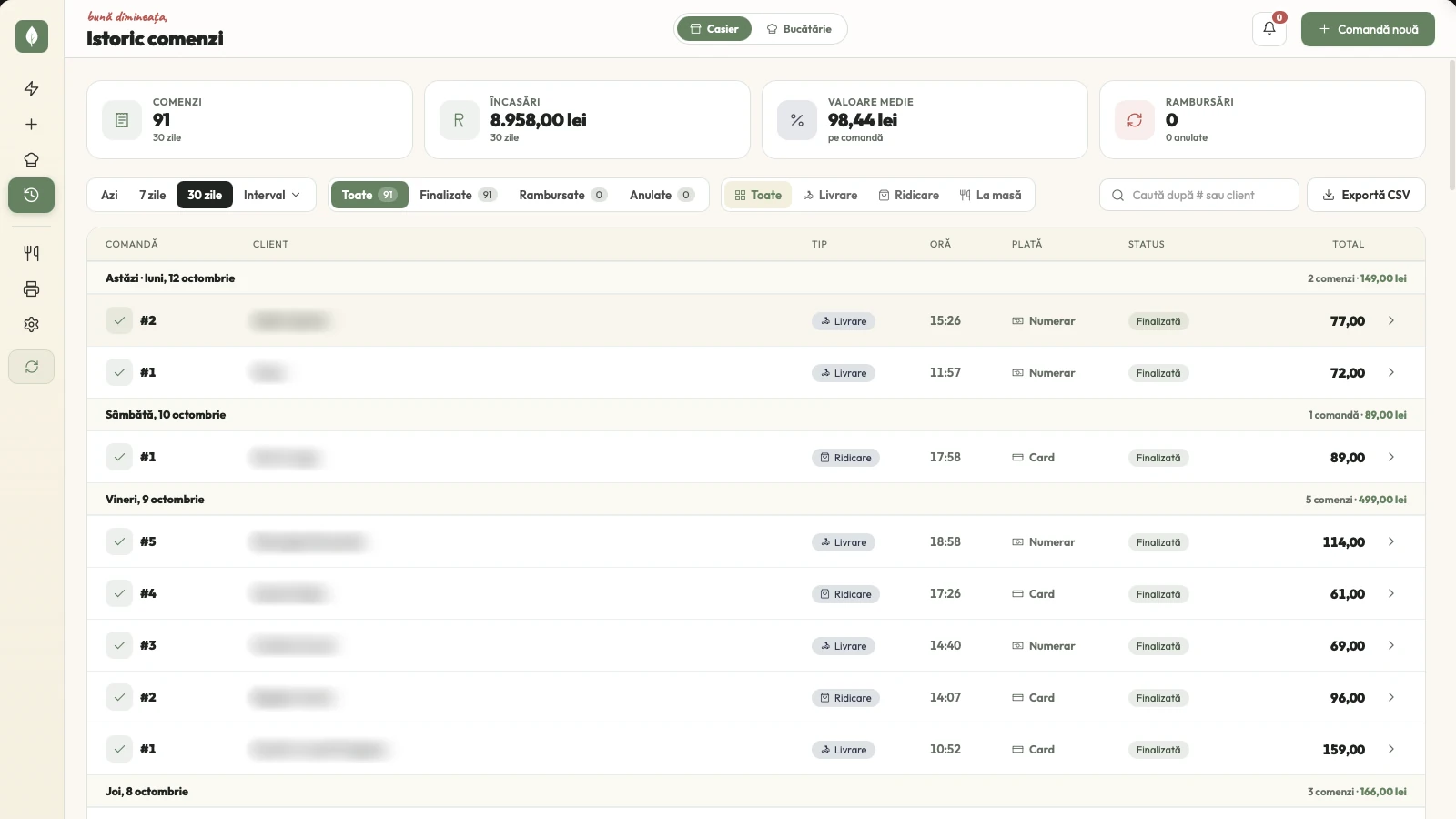
A POS (point of sale) is where you take the order and pass it on. The waiter or cashier enters the order, the kitchen receives it, and at the end it gets paid. A restaurant POS system answers one question: what was ordered, for whom, and has it been paid?
One detail matters a lot in Romania: the fiscal receipt. Some POS systems connect to the cash register and issue fiscal receipts. Others only print order tickets, which are not fiscal, and the fiscal receipt stays on the cash register. Ask this before anything else.
The online ordering system
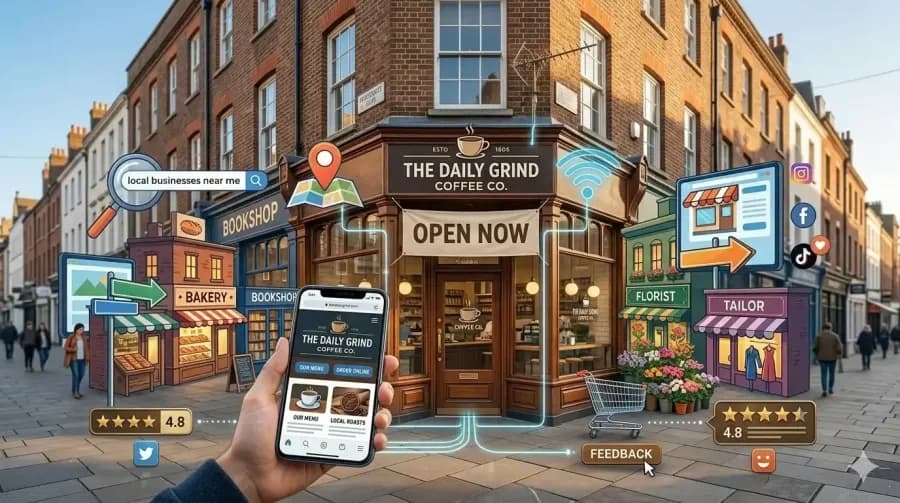
The third kind doesn't sit in the restaurant. It sits with the customer. It's the website or app where people see the menu and order on their own, for pickup or delivery. The order then lands in the POS, like any other order.
It's the only one of the three that brings you new orders. Inventory software and a POS organise the orders you already have. For a fast food place, a pizzeria or a bistro with delivery, this is where the extra money comes from.
Choose based on where you lose money
Don't ask “what's the best restaurant software?”. Ask where the money leaks. The answer tells you which software to look for.
You lose money in the storeroom. Food gets thrown away, portions come out uneven and you don't know what a dish costs you. You need inventory software.
You lose money at the counter and in the kitchen. Orders get mixed up, paper tickets get lost, the bill comes out wrong. You need a POS, possibly with a kitchen screen.
You lose money before the customer walks in. People search for you on Google and order from your neighbour, or you pay a commission on every delivery. You need an online ordering system, on your own website.
Many owners have all three problems. Then start with the one that costs you the most lei per month, not the one you notice most often.
What the SiteCare POS does
SiteCare is an online ordering system with a POS included. It is not inventory software. In concrete terms, the POS:
- receives the orders from the restaurant's website automatically
- lets you add in-house orders by hand, from the counter or the phone, so you see all of them in one place
- prints non-fiscal order tickets, for the kitchen or for the delivery bag
- runs on 1 device on the Start plan, 3 on Pro and 10 on Business
Pro adds the kitchen screen, mobile apps for the owner and the cashier with a new-order alarm, the courier app and owner analytics with earnings and top products.
What it doesn't do
The SiteCare POS doesn't track stock, doesn't do recipe costing and doesn't run stock counts. It doesn't issue fiscal receipts either: you keep issuing those from the cash register you already have.
If your problem is in the storeroom, you need separate inventory software. I'm telling you now, not after you've paid. And how you record card payments for online orders in your books is a question for your accountant. It depends on your company, not on the software.
What it costs
With SiteCare you pay a monthly subscription, with the website, online ordering and the POS included:
- Start: 199 lei a month, or 165 lei a month with annual billing
- Pro: 349 lei a month, or 290 lei a month with annual billing
- Business, for several locations: from 649 lei a month, plus 249 lei for each extra location
There is no setup fee and no SiteCare commission on orders. On card payments, only the Stripe fee remains. You'll find what each plan includes in the guide to what a restaurant website costs.
With other software, the price depends a lot on the model. When you ask for a quote, write down the same four things so you can compare them side by side:
- Do you pay monthly or for a one-time licence?
- Does the cost go up with the number of devices or locations?
- Is there a commission on every order?
- Are installation, updates and support included or billed separately?
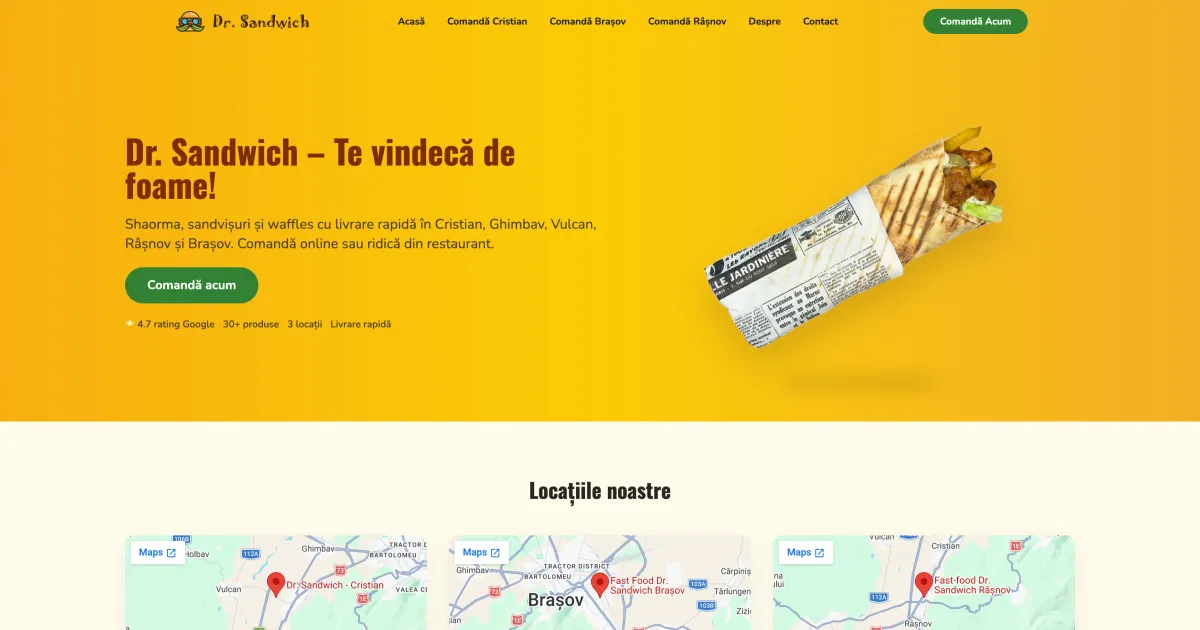
An example: Dr. Sandwich
At the Dr. Sandwich location, orders used to come only by phone. Between 20 August and 30 September 2026, that is 6 weeks, the restaurant received 145 completed orders and 14,858 lei in revenue through its website. Since there was no online channel before, these are new orders, not orders moved over from another platform.
The figures come from the monthly SiteCare report. The Dr. Sandwich case study shows the sources and what the numbers don't prove. It's one restaurant, so it isn't a promise for yours.
Questions to ask anyone selling you restaurant software
- What does it do, exactly: inventory, POS, online ordering or a mix?
- Does it issue fiscal receipts or only order tickets? Which cash register does it work with?
- Who owns the orders and the customer data: you or the platform?
- Who answers when something breaks, and how fast?
For SiteCare, the first three answers are above. For the last one: on Start you get a reply by email or WhatsApp within 2 days, on Pro on WhatsApp within 1 day, and on Business the same day.
In short
“Restaurant software” is one name for three tools. Inventory software shows you where stock disappears. A POS keeps your orders in order. An online ordering system brings you new orders.
If you want online ordering and a POS where you see every order, SiteCare has both in one subscription, live in 48 hours. See what your restaurant gets in the first 48 hours. And if a month's orders through the site stay under 1,000 lei, you don't pay for that month.
If you want to see what this would mean for your restaurant, tap the WhatsApp button on the page and write to me.
For a restaurant, under 1,000 lei in orders in a month means you don't pay
Tell me about your restaurant on WhatsApp and see what a website with online ordering looks like, with no risk.